names
-
@sa
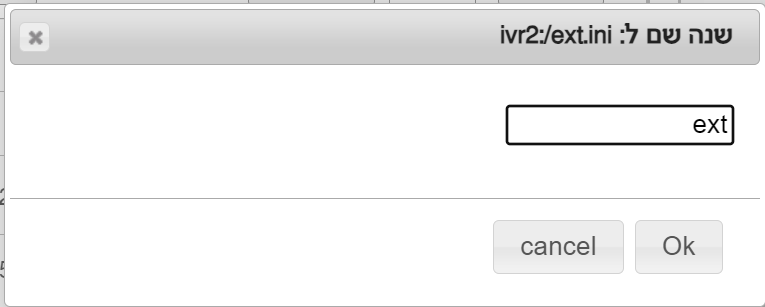
Yes, rename the ext.ini file in the main menu to phonesname.ini, then click Create File and transfer the ext.ini settings back to the new extension. -
it doesn't let me rename it??? @sh0548534047
-
-
ok just can you explain "then click Create File and transfer the ext.ini settings back to the new "extension
-
@sa
This is what is now in the extension, the file whose name I changed, only.

So I go back to advanced settings.
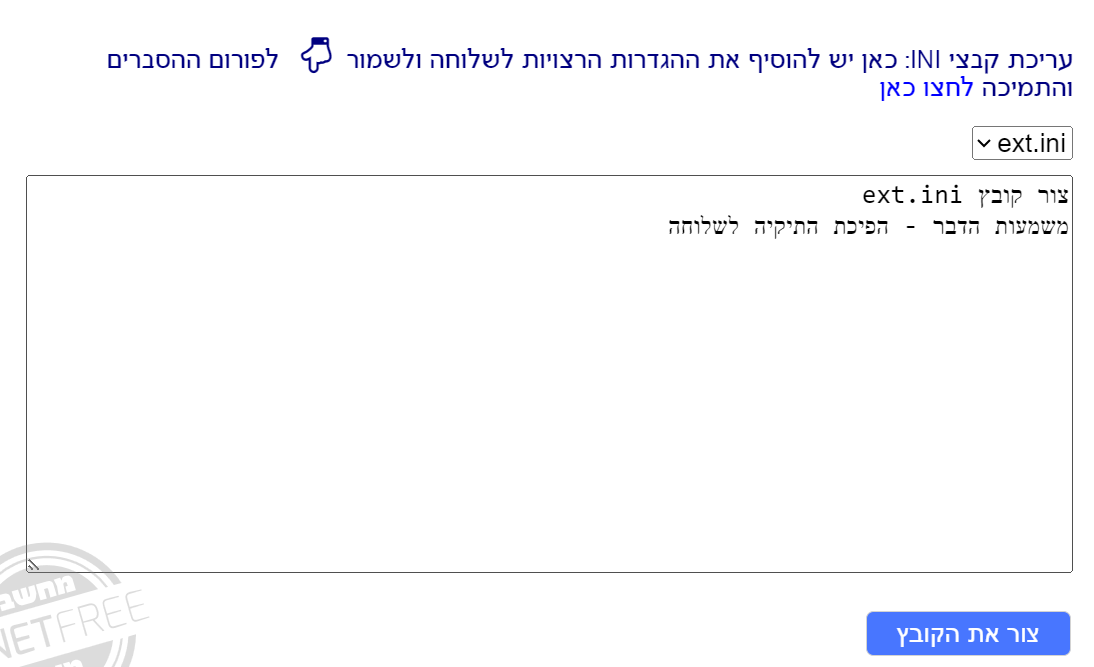
After we have created the file, we go to the settings of the old file.

and copy all the settings to the new file
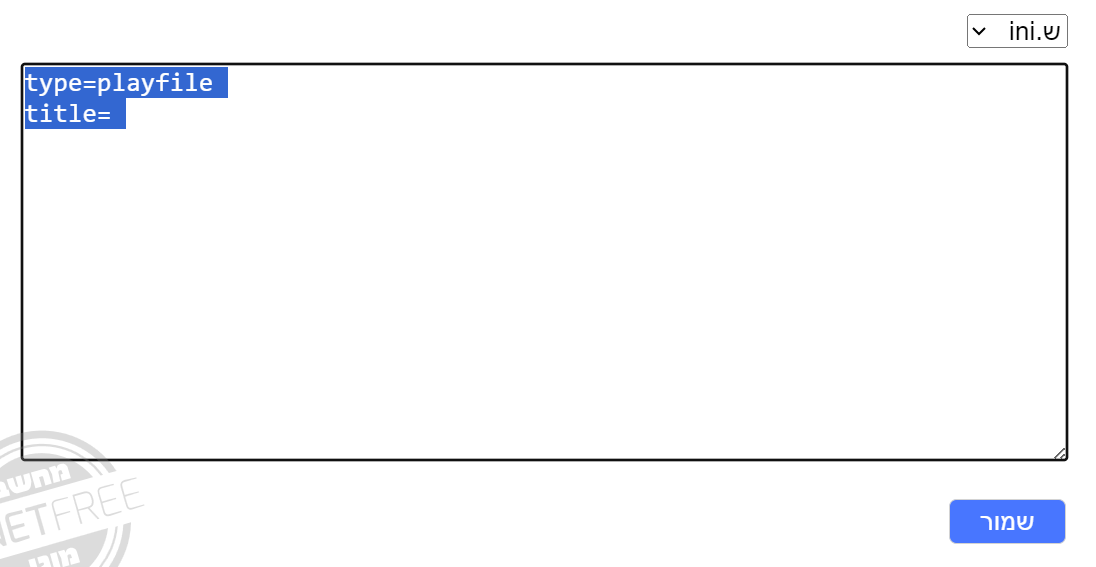
-
and then I rename the original ext that I switched to phonenames back to ext?@sh0548534047
-
@sa
I didn't understand. -
I think I figured it out I hope I didnt ruin the system but a huge thank you for your help bec i was having issues getting into the system even though i am the manager but thanks to you i figured it out.
-
@sa
If you copied back all the settings from the ext.ini file to the new file -
I think I did

שלום! נראה שהשיחה הזו מעניינת אותך, אבל עדיין אין לך חשבון.
נמאס לכם לגלול בין אותם הפוסטים בכל ביקור? כשנרשמים לחשבון, תמיד תחזרו בדיוק למקום שבו הייתם קודם, ותוכלו לבחור לקבל התראות על תגובות חדשות (בין אם במייל, ובין אם בהתראת פוש). תוכלו גם לשמור סימניות ולפרגן ב-upvote לפוסטים כדי להביע הערכה לחברי קהילה אחרים.
בעזרת התרומה שלך, הפוסט הזה יכול להיות אפילו טוב יותר 💗
הרשמה התחברות